
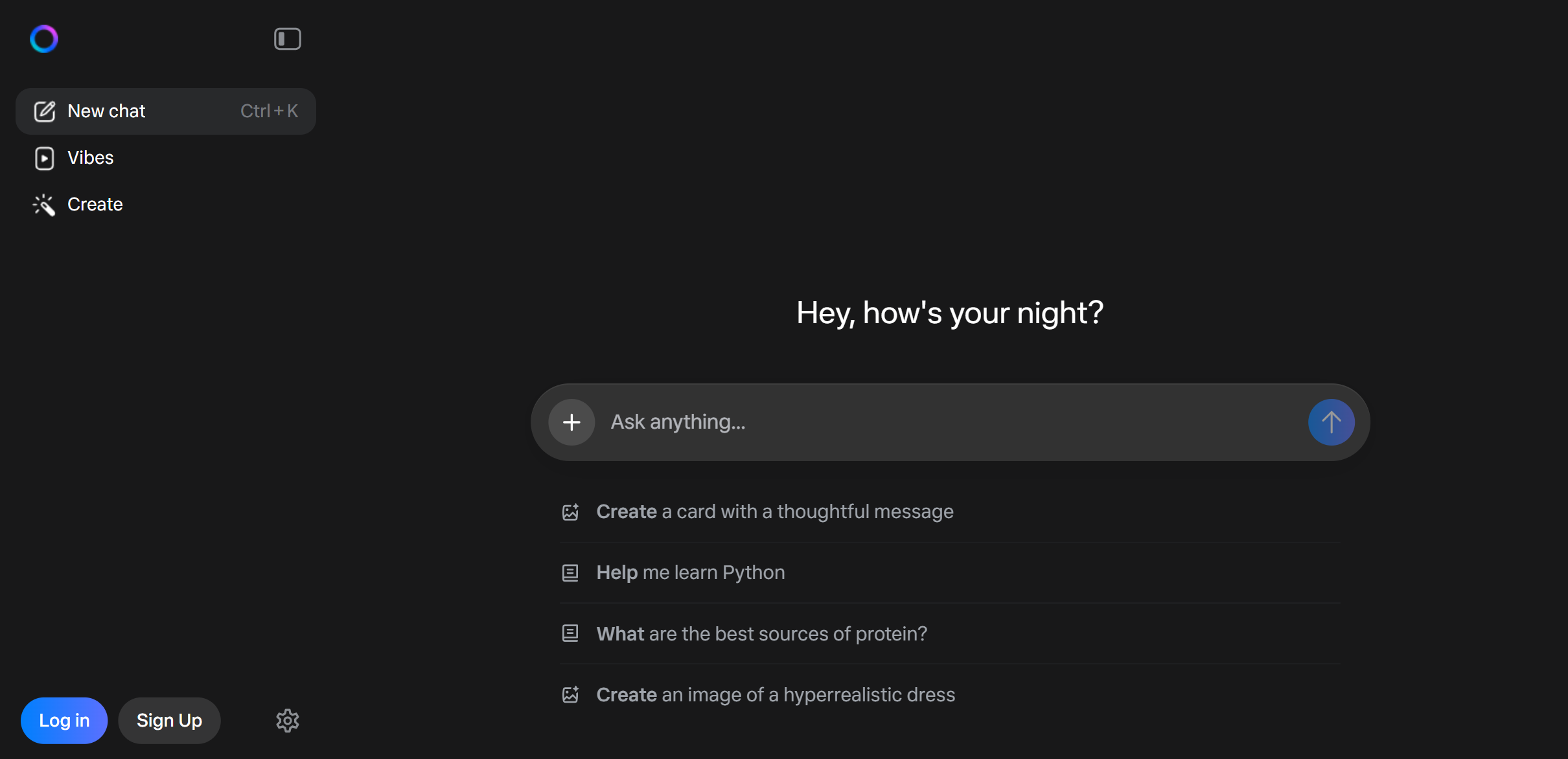
Meta AI is the intelligent assistant seamlessly integrated into the apps you use every day—WhatsApp, Instagram, Facebook, and Messenger. Powered by the state-of-the-art Llama model family (including Llama 3.3 and the Llama 4 series), it offers world-class reasoning and creativity completely for free.
Unlike other AI tools that require a separate subscription or app, Meta AI is already in your pocket. It is the best tool for social-first creators, allowing you to generate images of yourself in new scenarios instantly, or plan events with friends inside your group chats.
"Imagine Me" Feature: A unique capability where you upload a selfie, and Meta AI can generate photos of you in any style—like "Imagine me as a superhero" or "Imagine me in a cyberpunk city".
Llama Powered: Built on the open-weights Llama 3.3 and Llama 4 architecture, delivering reasoning capabilities that rival top-tier paid models.
Ecosystem Integration: distinct from other chatbots, it lives inside your WhatsApp group chats (via @Meta AI), allowing you to settle debates, find restaurant recommendations, or generate memes without leaving the conversation.
Live Information: Partners with search providers (Bing/Google) to offer up-to-date information on sports scores, news, and current events.
Meta AI is a powerful solution designed to help users with their needs. Explore the features below to see how it can benefit your workflow.
Optimized for performance and speed.
Trusted by thousands of users.
Grows with your needs.
Discover the capabilities of Meta AI.
Llama 3.3 & Llama 4 Family
100% Free
"Imagine Me" (Selfie Generation)
Web, WhatsApp, Instagram, Messenger
Meta Imagine (Emu)
Integrated into Ray-Ban Meta Glasses

Overview Microsoft Copilot is your everyday AI companion, deeply integrated into the Windows and Microsoft 365 ecosystem. Unlike standalone chatbots, Copilot lives inside the apps you use daily—Word, Excel, PowerPoint, and Outlook—to turn your words into productivity. Why Use Microsoft Copilot? If you work in an office environment, Copilot is indispensable. It connects to your business data (emails, meetings, chats) to provide answers that are relevant to your specific job. With the recent 2025 updates, it now features Think Deeper, a reasoning mode powered by OpenAI's o1 and GPT-5 architectures that can solve complex math, coding, and logic problems. Key Capabilities: Think Deeper: Now free for all users, this mode uses reasoning models (like OpenAI o1) to pause and "think" before answering, delivering superior results for complex queries. GPT-5 Chat: The latest Copilot Studio updates allow for "GPT-5 Chat" integration, offering improved responsiveness and instruction-following for enterprise agents. Copilot Vision: An experimental feature that allows Copilot to "see" what you are browsing in Edge and answer questions about the webpage in real-time. Microsoft 365 Integration: (Pro/Business only) Draft emails in Outlook, visualize data in Excel, or create full slide decks in PowerPoint using simple text prompts.
View Details
Overview Ideogram is the premier AI image generator for designers who need perfect text rendering. While other models struggle with garbled letters, Ideogram excels at integrating legible, stylish typography directly into your artwork. It is the go-to tool for creating logos, t-shirt designs, and marketing posters in seconds. Why Use Ideogram? If you are tired of using Photoshop to add text to AI images, Ideogram 3.0 solves that problem instantly. It allows you to generate complex designs with correct spelling and specific font styles in a single prompt. It also features Magic Prompt, an assistant that automatically rewrites your simple ideas into detailed, artist-grade descriptions. Key Capabilities: Ideogram 3.0: The latest model (2025) delivers photorealistic quality and unmatched text accuracy, capable of rendering long sentences and complex layout structures without errors. Infinite Canvas: A workspace that allows you to combine multiple generations, "Extend" (outpaint) images beyond their borders, or "Magic Fill" (inpaint) to replace specific objects seamlessly. Magic Prompt: A built-in language model that analyzes your short input and expands it into a rich, detailed prompt to ensure high-quality artistic output every time. Style Reference: Upload a reference image, and Ideogram will analyze its color palette and vibe to generate new images that match that exact aesthetic—perfect for maintaining brand consistency.
View DetailsJoin 50,000+ professionals. Stay updated with the hottest tools, detailed reviews, and emerging trends delivered straight to your inbox.
No spam, unsubscribe anytime.
