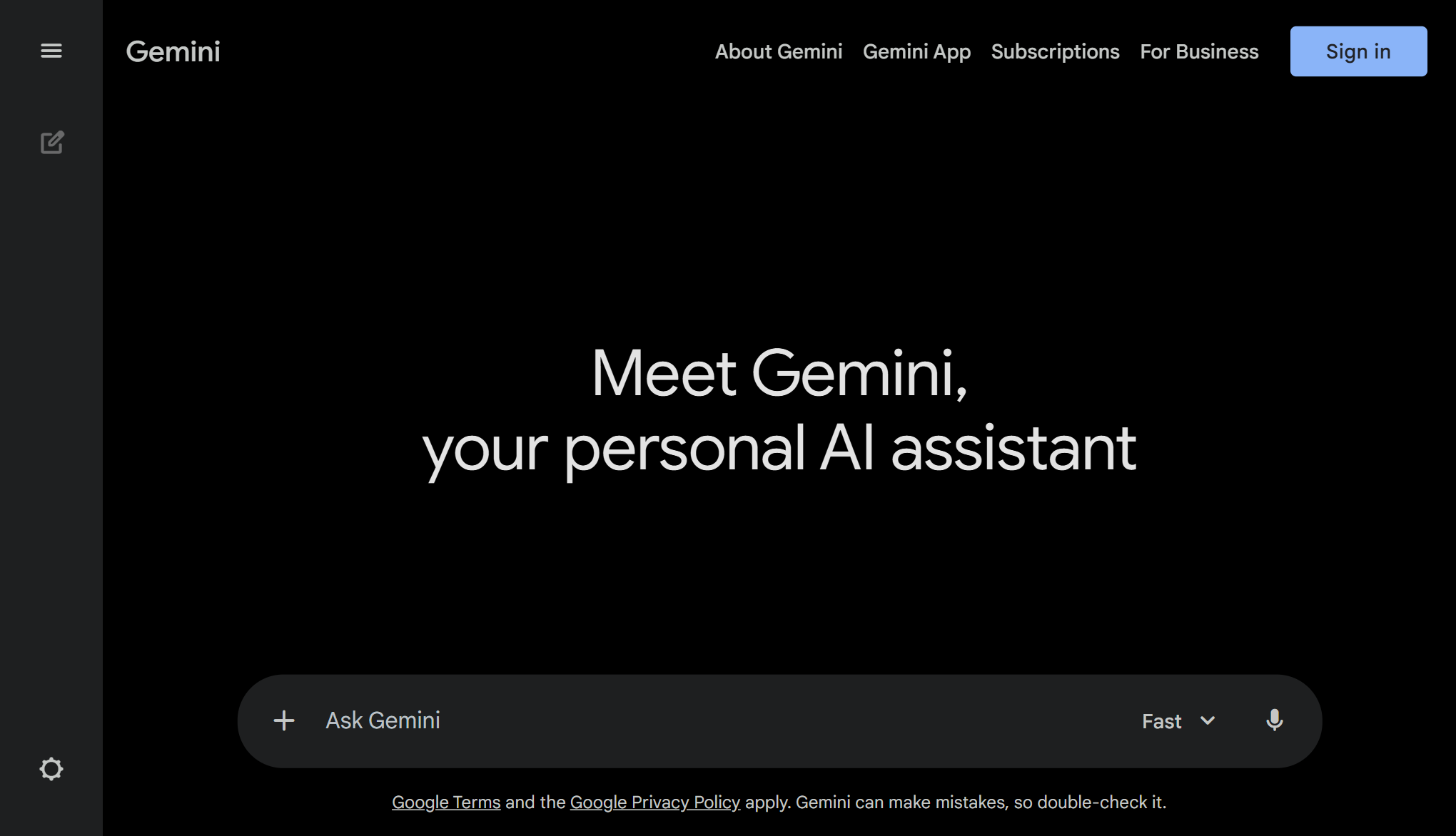
Gemini is Google’s most capable and general AI model, built from the ground up to be multimodal. Unlike traditional chatbots that process only text, Gemini can generalize and seamlessly understand, operate across, and combine different types of information including text, code, audio, image, and video.
Whether you are a developer debugging complex code, a marketer brainstorming ad copy, or a student analyzing research papers, Gemini acts as an expert companion. It integrates deeply with the Google Ecosystem, allowing you to pull data from Google Docs, Gmail, and Drive to streamline your workflow.
Multimodal Reasoning: Upload a video, image, or PDF, and Gemini can answer questions about it instantly.
Advanced Coding: Supports Python, Java, C++, and Go. It can explain code snippets, debug errors, and generate high-quality boilerplate code.
Creative Collaboration: Generate photorealistic images, brainstorm blog posts, or draft emails with distinct tones and styles.
Massive Context Window: The 1.5 Pro model features a breakthrough context window (up to 2 million tokens), allowing it to process vast amounts of information in a single prompt.
Gemini is a powerful solution designed to help users with their needs. Explore the features below to see how it can benefit your workflow.
Optimized for performance and speed.
Trusted by thousands of users.
Grows with your needs.
Discover the capabilities of Gemini.
Gemini 1.5 Pro & Flash
Free & Paid (Gemini Advanced)
Text, Images, Audio, Video, Code
Web, Android, iOS
Up to 1M+ Tokens
Google Workspace (Docs, Drive, Gmail)

All-in-One AI Toolkit for Writing, Detection, and Creation. Overview ZeroGPT Plus is one of the most rigorous AI content detectors available, known for its proprietary DeepAnalyse™ Technology. While many detectors only look for simple patterns, ZeroGPT Plus scans for complex linguistic markers (like "perplexity" and "burstiness") to identify text from advanced models like GPT-4o, Claude 3.5, and Gemini. It is widely used by universities and publishers to verify the authenticity of submitted work. Why Use ZeroGPT Plus? It offers a complete loop for content creators. First, you can use the AI Detector to see if your writing flags as robotic. If it does (even if you wrote it yourself), you can use the built-in AI Humanizer to rewrite the text, smoothing out the syntax to ensure it passes as 100% human-written. It also includes a Plagiarism Checker that scans billions of web pages, making it a "safety net" before you hit publish. Key Capabilities: DeepAnalyse™ Detection: A multi-stage detection algorithm that identifies AI text with high accuracy (up to 98%), specifically trained to spot the "robotic" tone of newer models like Llama 3 and Gemini. AI Humanizer: A controversial but popular tool. It rewrites AI-generated drafts to vary sentence structure and vocabulary, effectively removing the "AI watermarks" so content reads more naturally and bypasses other detectors. Batch File Upload: Designed for teachers and editors. You can upload 50+ PDF or Word documents at once, and ZeroGPT Plus will scan them all in the background, generating a "Human Score" report for each. Generated PDF Reports: It provides professional "Proof of Authenticity" reports. Freelancers often attach these PDF reports to their deliverables to prove to clients that their work was not written by ChatGPT.
View Details
All Smallpdf Tools Make use of our collection of PDF tools to process digital documents and streamline your workflow seamlessly.
View Details
Overview Grok is the rebellious and powerful AI assistant developed by xAI. Unlike other AI models that rely on older training data, Grok has a massive advantage: real-time access to the X (formerly Twitter) platform. This allows it to answer questions about breaking news, current events, and trending topics globally the moment they happen. Why Use Grok? If you need to stay ahead of the curve, Grok is your engine. It combines the raw reasoning power of the new Grok 4.1 model with a "Fun Mode" that offers witty, roast-style, and less restricted responses. It is also the only major AI that can analyze millions of live social media posts instantly to summarize what the world is thinking right now. Key Capabilities: Real-Time Knowledge: uniquely connected to X.com to fetch live tweets, news, and sentiment on any topic. Grok 4.1 Reasoning: The latest model (released Nov 2025) excels at complex coding, math, and deep reasoning, boasting a massive context window of up to 2 million tokens. FLUX Image Generation: Integrated with Black Forest Labs' FLUX.1, widely considered one of the best open-weight image generators for photorealistic and text-accurate visuals. Multiple Personalities: Switch between "Regular" mode for serious work and "Fun" mode for edgier, more personality-driven interactions.
View DetailsJoin 50,000+ professionals. Stay updated with the hottest tools, detailed reviews, and emerging trends delivered straight to your inbox.
No spam, unsubscribe anytime.
