
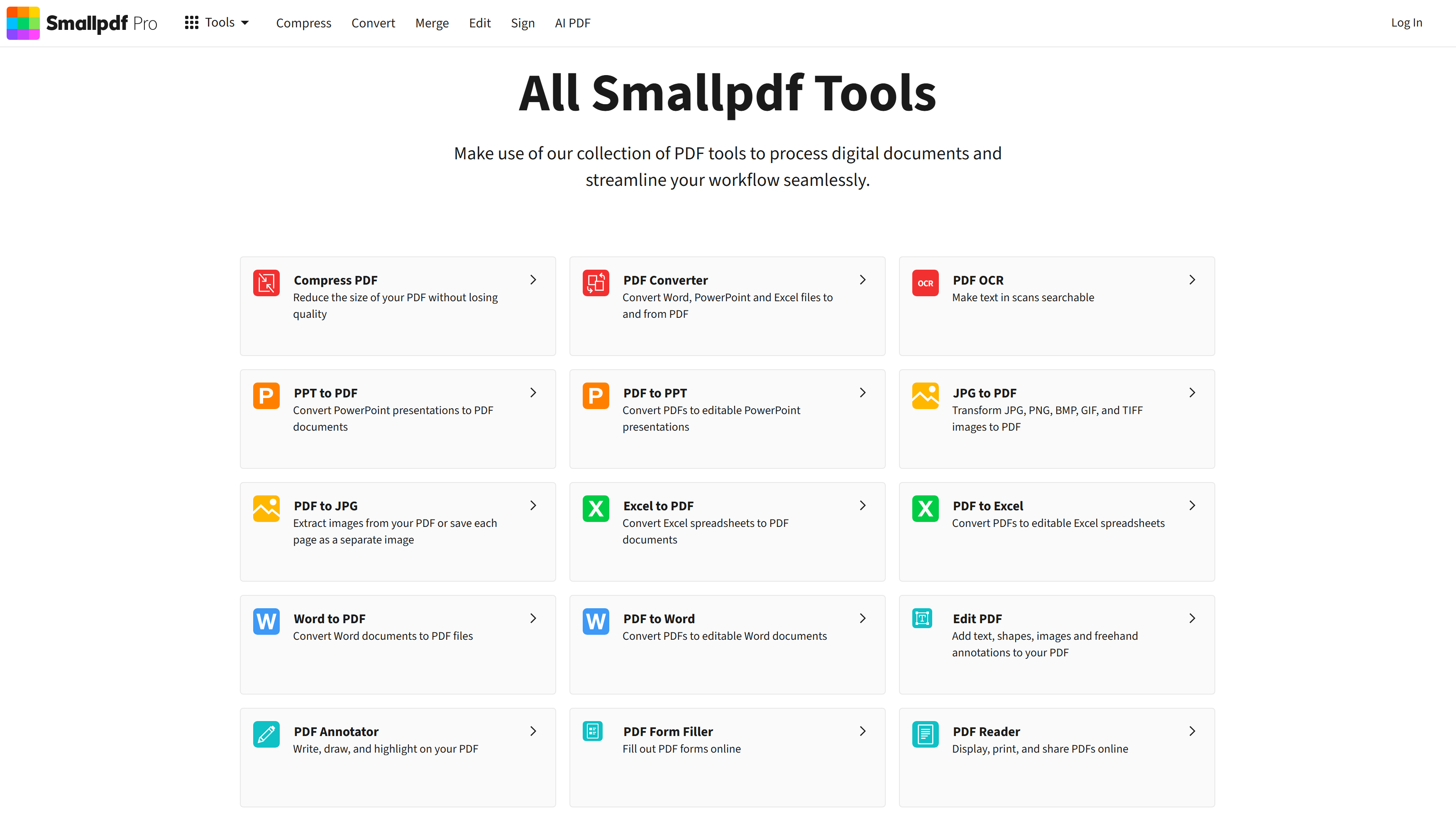
Make use of our collection of PDF tools to process digital documents and streamline your workflow seamlessly.
Smallpdf is a powerful solution designed to help users with their needs. Explore the features below to see how it can benefit your workflow.
Optimized for performance and speed.
Trusted by thousands of users.
Grows with your needs.
Discover the capabilities of Smallpdf.
AI email assistant that turns Gmail inquiries into prioritized leads, quote summaries, and reviewable customer reply drafts.
View Details
Overview Copy.ai has evolved beyond simple copywriting into the world's first GTM (Go-To-Market) AI Platform. While other tools just generate text, Copy.ai automates entire business processes. It is designed to act as an "AI Operating System" for Sales and Marketing teams, connecting your data to intelligent agents that execute complex tasks autonomously. Why Use Copy.ai? If you want to automate repetitive grunt work, Copy.ai is the leader. Its flagship feature, Workflows, allows you to chain multiple steps together. For example, you can build a workflow that automatically scrapes a prospect's LinkedIn profile, analyzes their recent posts, and writes a hyper-personalized cold email—all in one click. Key Capabilities: AI Workflows: The industry's most powerful automation builder. Create "chains" of prompts that can research companies, summarize earnings calls, and generate report briefs without manual intervention. Content Agents: Unlike generic chat, you can build specific "Agents" trained on your brand voice and data to handle specific roles—like a "LinkedIn Post Agent" or a "Sales Objections Agent". Model Agnostic: You aren't locked into one AI. Copy.ai aggregates the best models (GPT-4o, Claude 3.5 Sonnet, Gemini) so you always use the smartest brain for the task. GTM Strategy: Specifically built to align Sales and Marketing. It can take a marketing whitepaper and automatically repurpose it into a sales email sequence, a tweet thread, and a webinar script instantly.
View DetailsOverview MICS (Mic Test) is a fast, reliable, and privacy-first online diagnostic tool designed to test your microphone directly in your web browser. Whether you are prepping for a crucial Zoom interview, setting up a new podcasting rig, or troubleshooting why nobody can hear you on Discord, this tool provides an instant health check for your audio hardware without requiring any software installation. Why Use MICS? The biggest fear in remote work is the phrase, "You're on mute," or worse, broadcasting terrible static. MICS allows you to validate your setup before you go live. It features a real-time waveform visualizer that shows exactly how your computer is receiving audio. Because it processes everything locally on your device, it is 100% private—your voice is never uploaded to a server or saved. Key Capabilities: Real-Time Waveform Analysis: As soon as you grant browser permission and speak, the tool displays a dynamic waveform. This allows you to instantly spot issues like a "weak input" (low waveform) or "clipping" (distorted peaks from being too loud). One-Click Record & Playback: You don't have to guess what you sound like. You can record a short snippet of your voice and play it back immediately to check for room echo, static, or background noise. Privacy-First Processing: Uses standard browser media APIs to handle the recording and rendering locally. No audio data ever leaves your computer, making it safe for corporate environments. Cross-Platform Compatibility: Works seamlessly across modern browsers (Chrome, Firefox, Edge, Safari) and can detect both built-in laptop mics and professional external setups (like an XLR interface or USB microphone).
View DetailsJoin 50,000+ professionals. Stay updated with the hottest tools, detailed reviews, and emerging trends delivered straight to your inbox.
No spam, unsubscribe anytime.
